NezHost
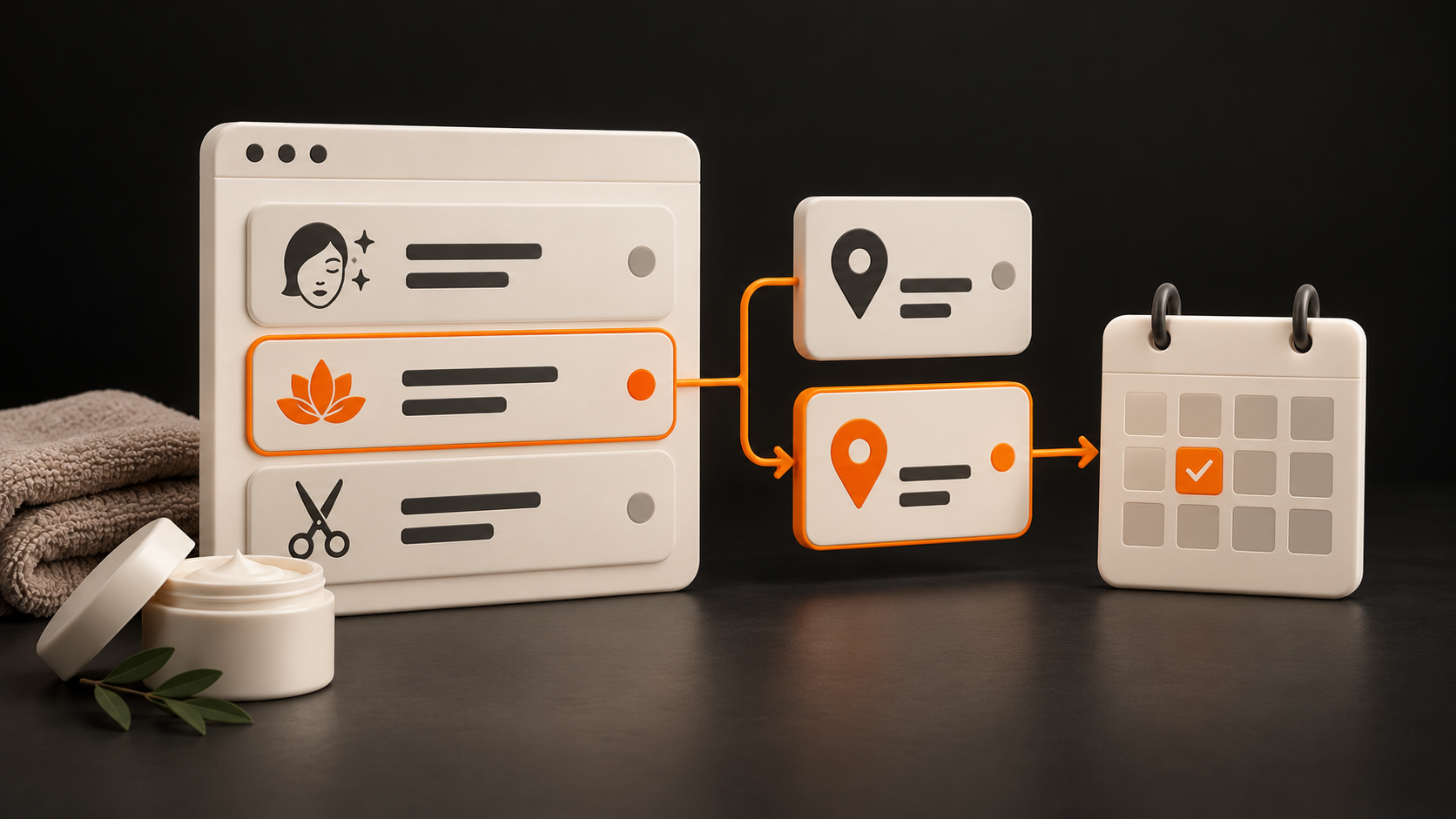
A client chooses a service and price, but the booking link sends her to another branch. Another client wants a particular member of staff who works at two locations. Reception then has to correct the choice, explain the different price list and work out how to arrange the visit. Does this sound familiar at your salon, beauty studio or clinic?
First, check where the connection between the service, location and booking breaks down. Sometimes fixing a link or adding information beside a price is enough. In other cases, opening another branch has changed how people choose, and the website needs a new structure. The following steps will help you prepare a brief for either situation.
What you actually offer at each location: start with a shared overview
List each branch's services, options, prices or how prices are determined, the team providing them and the booking route. Include exceptions: services offered only on certain days, visits arranged individually or temporarily suspended services. The person responsible for each location should confirm the details.
Offering a service does not mean an appointment is available. The overview explains whether the service is provided and under what conditions. The booking system must show current availability, or staff must confirm it. The website should not promise a visit today simply because the service is on offer.
Here are two short fictional examples, not an actual salon or a NezHost case study:
Branch A: the local team provides the service, price list A applies, and the booking link opens reservations for A.
Branch B: a designated member of staff provides a similar service on certain days, branch B's conditions apply, and visits are arranged directly with that branch.
Record the actual differences in your own overview. The same service name does not establish that the scope or price is identical.
Clients book at the wrong branch
Check two common routes. The person knows which service they want: they open its description and need to find out which locations provide it, under what conditions and how to book. A branch that does not offer it should not appear as an equivalent choice that leads to an empty calendar.
The person knows the location: they choose their branch and browse its services. When they open a service, they should still be able to see which location they are choosing for. If you offer an alternative elsewhere, make the change of location clear.
Show the selected branch beside the price and booking button. Someone reading a long page may not keep track of a choice shown only in the top menu. Our article on a page for one salon service covers the core service content; with several locations, add a clear connection to the relevant branch.
Each branch has different prices or a different team
If prices differ, assign them to a specific location and service option. For a price shown as “from”, explain what affects it and when the person will learn the final amount. After switching branches, also check summaries and other buttons so details from the previous location do not remain on the page.
A different price for a service with the same name may raise questions about whether its scope differs. Describe verified differences; do not invent a reason for the price. If you use a shared price list, clearly explain which branches it applies to.
On each person's profile, show which branches they work at and how to arrange a visit with them. If they move between locations, do not infer appointment availability from a static biography. The link and instructions should lead to the actual booking route for the correct location.
How to connect the website to a booking system
Before the visitor moves to booking, summarise the selected service, branch and, where relevant, member of staff. Then check whether the booking provider supports a direct link to this selection and which details it carries over. Links, embedded calendars and other integrations depend on the particular provider and configuration.
If only a general calendar opens, give the person precise instructions that match its controls. For example: “In the booking system, select branch B, then Manicure.” If the route is too complicated, consider arranging visits through the relevant reception team.
For a form, explain whether it sends a request or confirms a booking, and who will get in touch. The form can include the selected branch and service in the message if it is built to do so. The guidance on form instructions emphasises clear directions for completing a form. Offer an “I need advice” option only with a clear next step.
Also check the links in your Google Business Profiles. Google's rules for booking links require a business with multiple locations to link to the relevant specific location and allow the intended action to be completed. Open every actual destination; the correct branch in the profile does not establish that the calendar will also retain the service or staff selection.
What a page for a specific branch should include
Prepare the actual address, contact details, entrance instructions, parking information where relevant, opening arrangements, local services and booking route. Show the real team and premises if you have suitable material. Visitors should be able to understand what they can arrange at this particular location.
Instead of copying the same page under different city names, give each actual branch its own useful details. Google's guidelines for representing a business also cover real locations and their contact information. Keep the details on the website and profile accurate for that location; do not assume one branch operates in the same way as another.
A local page should help people choose and plan their visit. It does not guarantee search rankings or bookings by itself. If you are preparing to open another location, see our plan for promoting a new branch.
How to check that bookings reach the right location
On a phone, work through the following situations with someone who has not seen the design. Do not tell them where to click in advance:
A service offered at only one location: can they find the right branch and the appropriate way to arrange a visit?
Different prices: after changing the location, can they identify the applicable price and service option?
A particular member of staff: can they find out where that person works and continue to arrange a visit at that location?
External booking: is the selection retained, or are the manual instructions accurate and usable?
An enquiry through the form: send a clearly marked test message agreed in advance. Does it reach the correct reception team with the selected branch and service? Does the confirmation reflect what will actually happen next?
For each scenario, record the expected and actual result, along with the person who confirmed it. A page preview does not verify message delivery or the behaviour of an external calendar. Agree on any test booking in advance and release the appointment after checking it.
Who updates branch prices, teams and services
Decide who confirms that the information is correct and who publishes it. They do not have to be the same person. Add a review date to the shared overview and, whenever something changes, check the affected services, branch pages, staff profiles, forms and booking routes.
A staff member moving locations or a service ending at one branch can affect several pages. Agree on how updates will be made and check the entire route again. When building the website, content management can be designed around these relationships; the specific scope and any automation must be part of the agreement.
Is updating your current website enough, or do you need a new one?
If the services shown are accurate and the problem is one link or an unclear confirmation, a targeted update may be enough. If the same information is repeated without clear relationships and new branches have changed the entire selection process, it makes sense to discuss the structure and a redesign.
At NezHost, we build business websites around actual services, locations and booking arrangements. These guide the layout, individual design and agreed content management. We assess the features needed and supported integrations against the services you use; explore related options in our tailored solutions.
Send us your website and a list of locations. Include differences in services, prices, teams and booking arrangements, along with an example of where a client lost their way. We will discuss the scope of work and prepare a specific brief, including how the result will be checked.