NezHost
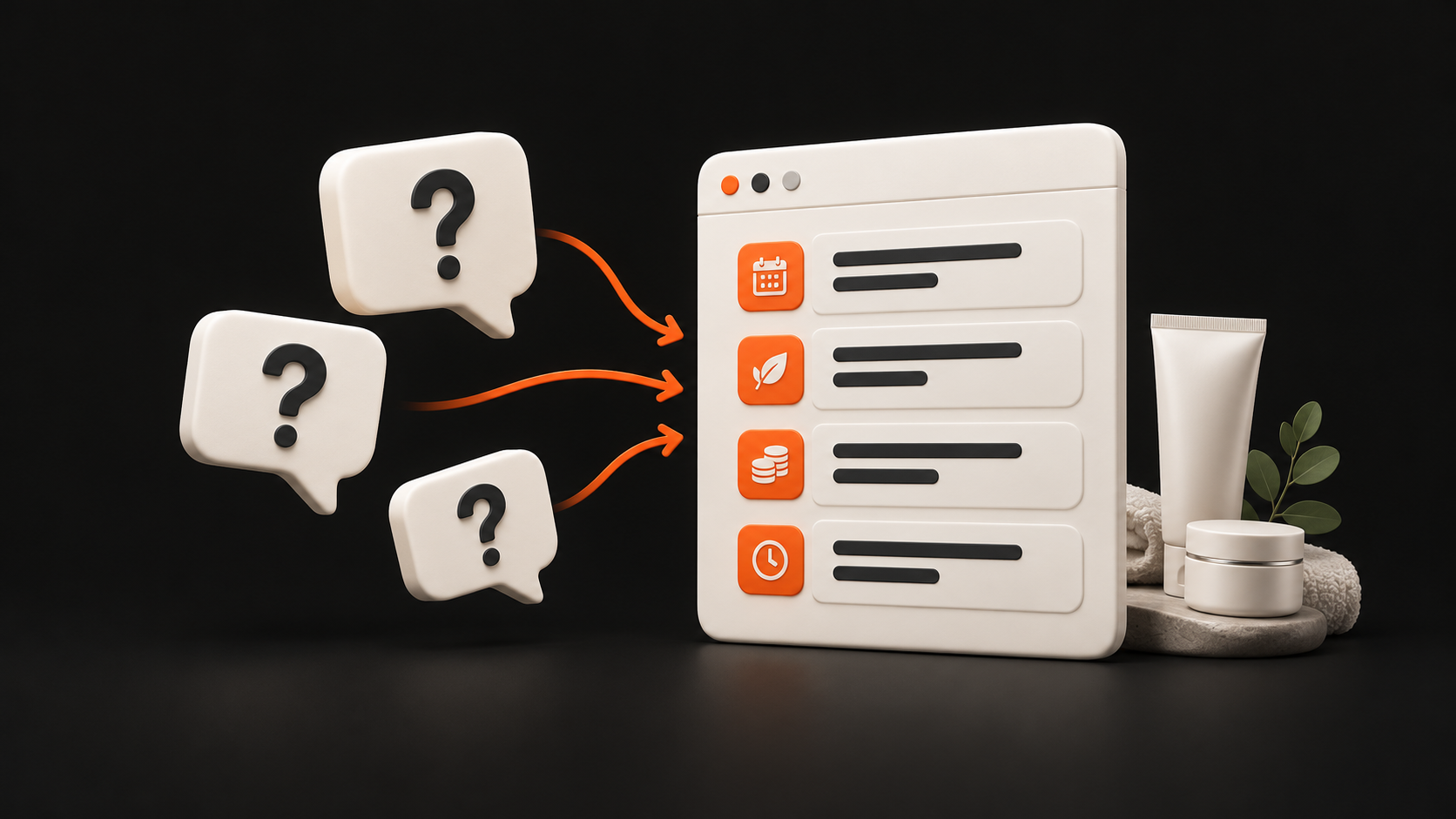
You explain the difference between two services in another message. Reception is looking for the current price, and another client wants to know whether sending an enquiry means their appointment is confirmed. In a salon, beauty studio or clinic, questions like these take time. They can also reveal what is stopping people from taking the next step.
Before adding an FAQ section or commissioning a new website, find the cause. Sometimes a single detail is missing; sometimes the offer or booking process is unclear. Some questions belong in a personal consultation. Review ten real questions and turn them into a specific brief.
Start with ten real questions
Choose ten recent questions from phone calls, messages, emails and reception. Keep their meaning, but remove names, contact details and personal or health information. Also note what the person was trying to do and what answer they received.
Mark the stage for each question: choosing a service, booking, before a visit, or after a visit. “What happens next?” means something different when choosing a service than after submitting a form. Keep repeated questions: they may reveal a problem that occurs in different situations.
Ten questions are a manageable starting point for your own business. If they all concern one service or come from one member of staff, add other situations later. The UK government guidance on understanding user needs also draws on existing contact records, observation and the experience of people who support users. Replace the assumption that “clients do not understand” with a specific situation.
Distinguish four possible causes
For an initial review, it helps to distinguish these possibilities:
Missing information. The answer is consistent and the team knows it, but the client cannot find it. They might be looking for the correct entrance to the building or accepted payment methods. Add the verified detail where they need it.
An unclear offer. A description exists, but it does not explain the difference between similar options. First confirm what each service includes with the person providing it, then clarify the names and descriptions.
A need for individual assessment. The person needs to discuss their own situation. The website should clearly explain how to arrange a consultation and how to contact the designated member of staff. The assessment itself remains that person's responsibility.
Inconsistency within the team or process. The website, reception and a message give different prices or describe appointment confirmation differently. First agree on the current process and who is responsible, then align the public instructions.
One question may fit more than one category. For a price question, for example, check whether the client could not find the amount, did not understand its conditions, or found two different amounts. If the cause is unknown, write down what still needs checking; you do not have to guess immediately.
Complete seven fields for each question
A simple shared document can serve as your worksheet. Create a short record for each question:
Question: what the client actually needed to find out.
Stage: choosing, booking, before a visit, or after a visit.
Cause: one or more of the possibilities above.
Verified answer: a confirmed detail or a process for referring the person for a consultation.
Responsible person: who is accountable for accuracy and future updates.
Task: the specific change, who will make it, and the deadline.
Test: how you will tell whether the change helped.
An illustrative example, not a record of a particular client: The question “Do I have an appointment once I have sent a message?” arose at the booking stage. The cause is unclear and inconsistent instructions. In this example business, reception has confirmed that a message is a request and the appointment is only confirmed once reception replies. The receptionist is responsible for the wording, and the website manager will update both the form and the submission confirmation. In the test, a new reader should explain whether they have a confirmed appointment and what to expect next.
Add the verification date to actual records. The person who approves the answer and the person who updates the website may be different people.
Approve the answer before publishing it
Check the answer against the current price list, the booking system and the explanation from the staff member providing the service. If they conflict, first establish which version is correct. Copying one of the amounts onto the website will not resolve the inconsistency by itself.
For bookings, establish who receives the request, who confirms the appointment, and what the client sees after submitting it. Do not promise a response time the business cannot meet. For questions after a visit, provide the right contact and a way to refer the question to the responsible staff member; general wording may not resolve an individual situation.
When a price or process changes, check the other places where the answer appears, such as an automated message, reception instructions or the business profile. Assign someone to check each piece of information when the next change occurs.
Place the answer where the client makes the decision
The difference between two services belongs beside their descriptions. Prices and their conditions should sit with the offer, entrance instructions with contact details, and the explanation of appointment confirmation with booking. An FAQ can cover shared questions, but it cannot replace essential information at the relevant step.
If clients struggle to choose between options, see our guide to planning a page for one service. If answers are scattered across different places, review how to organise information on a business website. Start with the change that addresses a specific obstacle to choosing or booking.
This also aligns with Google's guidance on helpful content: write for the intended audience and help them achieve their goal. For a salon, that means explaining its own services and the next step accurately. Adding questions alone does not guarantee better search rankings.
Test the change with a specific task
Ask someone who has not seen the updated page and fits your audience to read it. Use a phone if that is how clients usually book. Instead of asking “Is it clear?”, set a realistic task:
“You want to find the difference between these two services. Show where you would look and explain it in your own words.”
“You have sent an appointment request. Use this message to explain what happens now and whether the appointment is already confirmed.”
“This is your first visit. Find the instructions for which entrance and floor to use.”
Do not reveal the right place in advance. Observe the steps, hesitation and outcome. The UK government usability testing guidance recommends realistic tasks without hints towards the correct solution. For a form, also check actual submission and delivery; reading the confirmation text alone does not verify that it works.
Track the next step and consistency of answers
After the change, record similar questions as they arise in day-to-day work and note their context. Can people find the information they need? Do they understand how to book? Do the website and reception describe the same process? Do you need to correct mistaken expectations less often?
A drop in the number of questions is not enough on its own: there may also be fewer potential clients. At least consider the number of contacts and changes to the offer or season. What matters is whether the person can reach the right next step and receives a consistent answer.
The aim is not to eliminate every conversation. A question before a consultation can be a useful start to a relationship. Focus on unnecessary searching, conflicting information and unclear expectations, while keeping room for a personal conversation.
How NezHost can help with your findings
Send us your current website and three recurring questions with verified answers. When we build business websites, we turn this material into a clear offer, service pages and a path to getting in touch. We agree on the scope of work, responsibility for content and how the result will be checked.
If adding a detail or fixing one step is enough, we start with a smaller change. If the review reveals problems across the whole offer and structure, we can discuss a new website or redesign. Additional features should address an actual need; see our tailored solutions for the options.
Send us your salon, studio or clinic website and three recurring questions. Together, we will turn them into a specific brief that can guide both the change and its verification.