NezHost
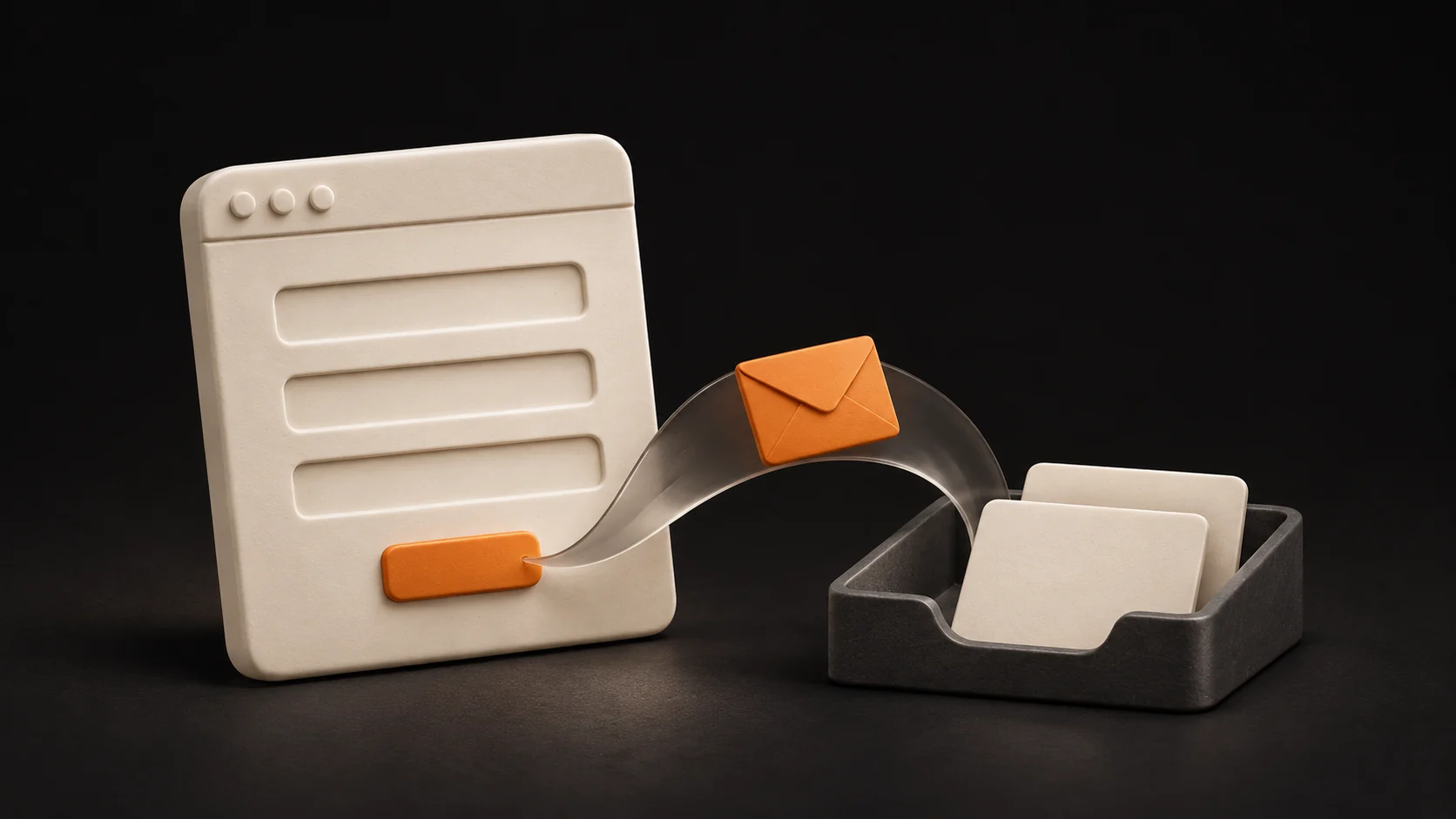
An enquiry form should collect the information you need for a useful first reply. Ask for what helps you assess the job and agree on the next step. Details the customer does not yet know, or that you will only use later, can wait for a conversation. A good solution connects your service description, clear questions and the actual handover of the message to your team.
You may recognise the situation: someone writes, “Hello, how much would this cost?” You then have to establish the location, scope, timing and even which service they mean. The enquiry is an opportunity. But if every conversation begins with the same round of basic questions, your website could give you a better starting point.
When creating a business website at NezHost, we therefore consider the journey from reading the offer to sending an enquiry. The form should reflect what you sell and how you actually accept work. That connection determines whether the message gives you something useful to work with.
Start with the decision you need to make
Look at the process from your side of the desk. What must a colleague know to give the prospective customer a specific reply? You might need to check availability, choose the right specialist, arrange a site visit or prepare an initial proposal. Each step needs slightly different information.
For a service delivered on location, the area may matter. For an event, the date and approximate size. For bespoke manufacturing, the purpose and basic dimensions. Billing details, meanwhile, will rarely answer an initial question about whether the service is suitable. For every field, finish this sentence: “We need this information so that we can…” If you cannot name a specific decision, consider asking later.
The GOV.UK guidance on question pages uses the same principle: understand why you are asking and allow uncertainty when it is a valid answer. On a business website, this becomes a practical agreement about what you need now and what can wait.
What should an enquiry form include?
There is no universal set of fields for every business. Use the following areas as a starting point, then decide whether your first reply genuinely requires each one:
- A way to reply. Establish whether you need an email address, a phone number or a choice of contact method. Both contact details do not automatically need to be compulsory.
- The service or main need. Use names customers understand. If they arrive from a specific service page, the choice can be prefilled and still editable.
- The basic scope. Give an example of what to describe briefly, rather than leaving people to puzzle over an empty “Your message” box.
- Location and timing. Ask when these affect availability or feasibility. Distinguish a fixed date from a preference, and an approximate area from a full address.
- Supporting material. A photo or file can help if you can receive it securely and someone will review it. Consider whether it is needed at the first contact.
Make a field mandatory when you cannot take the promised next step without it. Clearly identify the other fields as optional. The aim is a useful starting point for working together; you can develop a complete brief with the customer later.
Show customers what kind of answer would help
Imagine a company that prices its services individually. A large message box could include a short hint: “Tell us what you need, where and roughly when. If you are not sure about the scope yet, describe your idea.” This is an illustrative suggestion, not a documented result from a particular client.
The prospective customer now knows where to start. They do not need your internal terminology or the skills to write a professional brief. A more complex offer might benefit from a few understandable choices and an “I need help choosing” option. Keep that route open when the alternative would force someone to guess.
For a salon, a question about choosing a service may be a useful first step. However, the form must explain whether it sends a message, requests a consultation or makes a booking. An enquiry does not confirm an appointment when your actual process still requires a further agreement.
Should you ask about the budget?
A budget is useful when it helps you recommend an appropriate scope. Explain how the information will help. A range and an “I do not know yet; I need a recommendation” option may be more suitable than a compulsory exact figure.
Someone can have a real intention to buy without knowing what the service costs. Requiring an estimate they cannot make will not produce a more accurate brief. Instead, explain on the service page what affects the price and what you need to make it more precise. The customer then understands the reason for the question before filling in the form.
Customers must be able to finish the form on a phone
Check that labels are readable, there is enough room to type and an error is explained clearly beside the relevant field. Correcting a mistake should not unnecessarily erase text already entered. Phone and email fields should use appropriate input types, and the form must also work with a keyboard.
The W3C guidance on accessible forms covers labels, instructions and feedback. What matters to your customer is knowing what to enter and how to correct a mistake. Check this on a real phone with a realistic task, including an attachment if you offer one.
Spam protection needs separate attention. Choose it in response to the actual problem, then test whether it prevents an ordinary person from sending a message. The number of completed fields alone does not establish the quality of an enquiry.
Your part of the work starts after submission
Customers should know whether their message has been received and what happens next. Any promised response time must match your team's capacity. The GOV.UK confirmation page pattern emphasises clear confirmation and an explanation of the next steps.
Within the business, establish who receives new messages and where they will find them. Choose email, an administration view or a connection to an existing tool around the agreed process. Keeping the enquiry connected to the service it concerns also saves customers from explaining that context again.
When accepting a completed website, follow an agreed test enquiry all the way to the responsible recipient. An on-screen confirmation, a sent notification and a message available to a staff member are different steps. Verify each separately. Then agree on ongoing checks, as discussed in our article about website maintenance and regular care.
How we applied the principle at Above Bar Catering
We created the Above Bar Catering website with a form that collects the event date, location, guest count and requirements. Incoming enquiries are available in administration. The questions support preparing a mobile bar proposal. Apply the same principle to your service: ask for the information you actually use to prepare a proposal.
Do you need a new website or a change to the contact form?
If people understand your offer and the first message simply lacks a few details, updating the form, hints and enquiry handover may be enough. First, check what the current website supports and agree on the scope of the change.
If visitors cannot tell what you do, who the service suits or how working together proceeds before they reach the form, extra fields will not solve the problem. It then makes sense to review the content, structure and contact journey together. A new business website or a redesign can connect your offer, real projects and an appropriate way to get in touch.
What we will prepare with you at NezHost
We start with how your business accepts work. We discuss what you sell, who buys it, what the first reply involves and which information is repeatedly missing. An anonymised example is enough for this conversation; we do not need customers' personal details.
Using that information, we propose the website journey: what the service page should explain, what the form should ask and what visitors should see after sending it. We agree on the scope of the build or changes, any necessary integration, the price and the verification process in advance. You can then assess a concrete delivery and its purpose for your business.
At handover, we check the agreed journey and show you how to work with an incoming enquiry. If you later assess the benefit, consider relevance and the ability to follow up with a specific proposal alongside the number of messages. More messages alone do not necessarily mean more suitable jobs.
Would you like a website that gives you better information for the first conversation? Send NezHost your website address, the service and the information missing from your enquiries. We will discuss whether a focused update would help or whether a new business website is appropriate. You will receive a clearly defined proposal for the next step so you can make an informed decision.